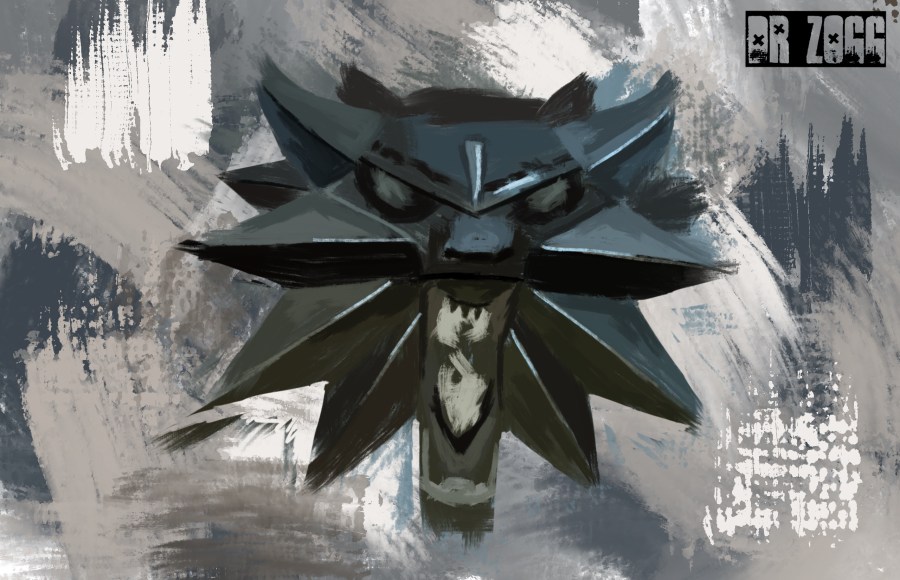
So after some massive reveals at this years E3, I decided to do some video game fan art for…..y’know. I’ve been playing The Witcher 3 recently and thought what better way to give the game some credit than painting a handful of the characters, so I did.
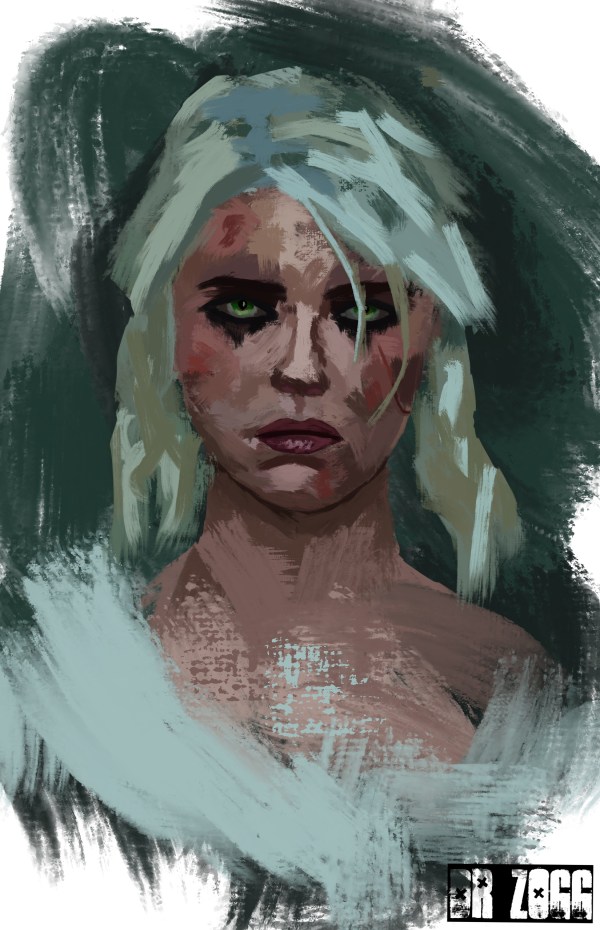
I found painting these characters quite interesting to paint as I used quite a varied colour palette for each one. I’ve used this painting technique quite a few times now so I’m fairly confident with it, in fact it’s become my go-to style for portraits.
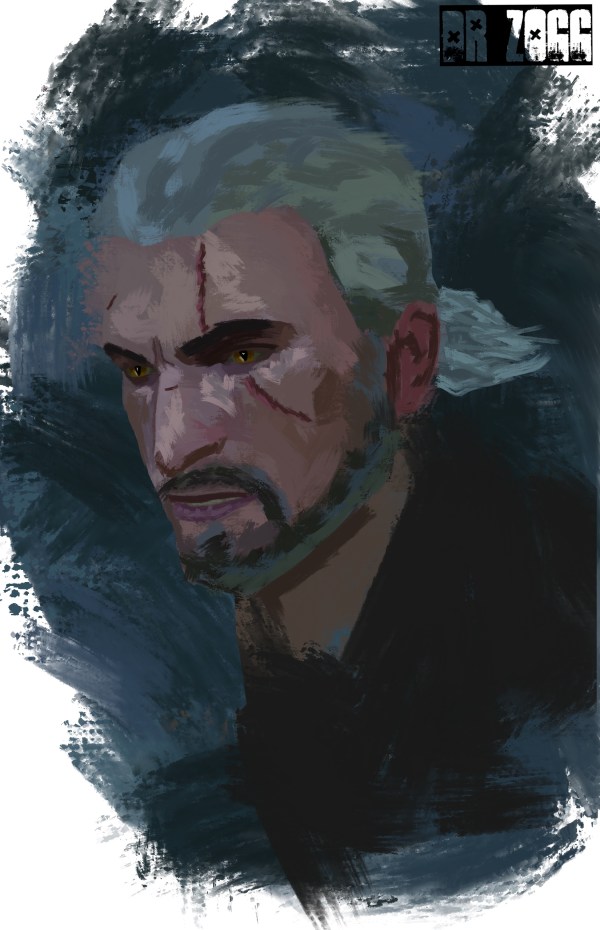
The adventures I’ve had throughout my play time of this game have been a great experience, the game’s full of things to do and interesting people and yes, it’s oh so steeped in a well crafted lore. To date I’ve spent over 40 hours on my first play through and still going strong as I trawl through the masses of content that CD Projekt RED have put into it.
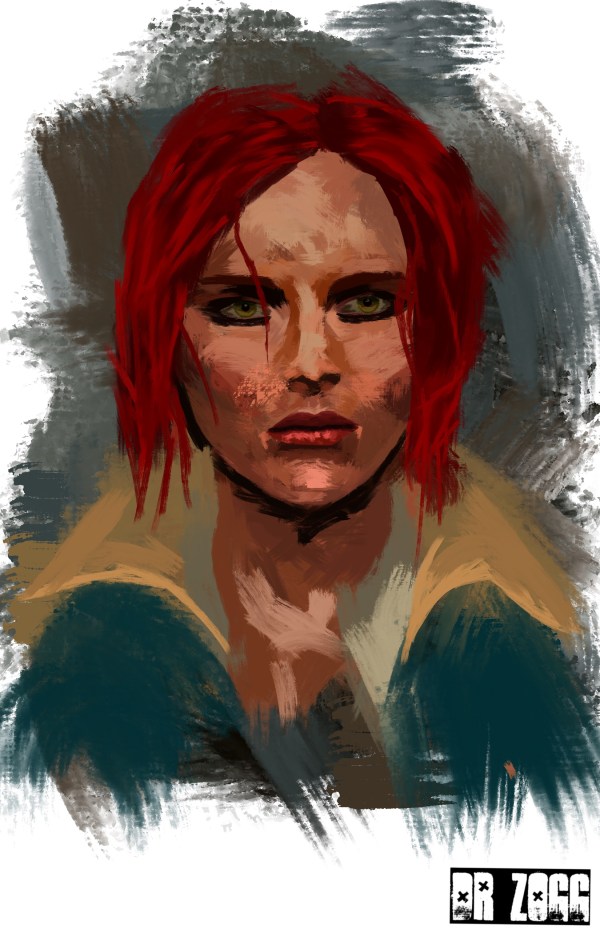
Whether you may or may not know, but I actually use Procreate for all my digital art, that includes all of the art I’m doing for the Lockwood series as well, yes, it’s all done on an ipad. For all of these I actually only used a single brush and it’s not even a custom brush but one of Procreate’s stock ones instead. Though I don’t use my fingers to paint any of my art I instead opted long ago to use a stylus because it felt a lot more natural to me.
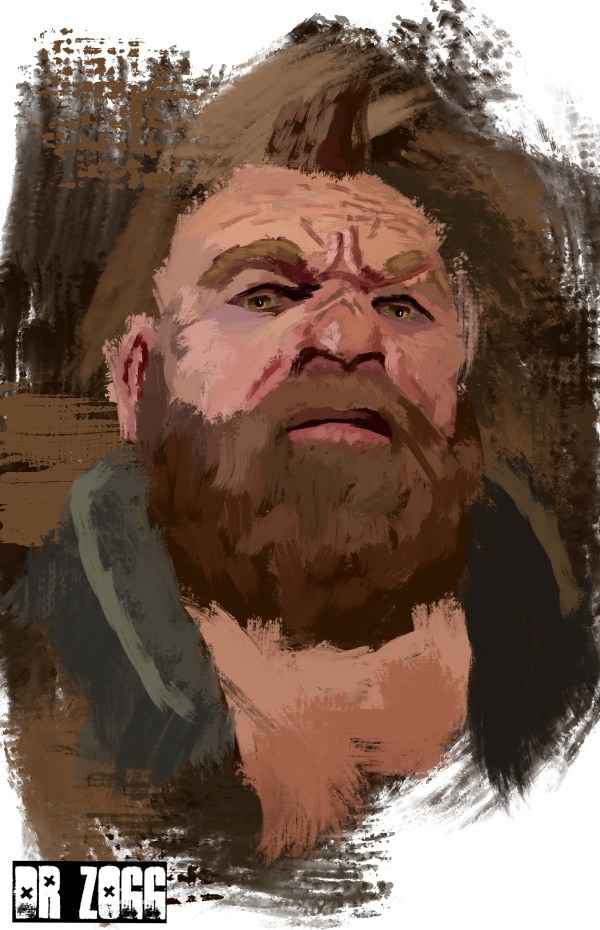
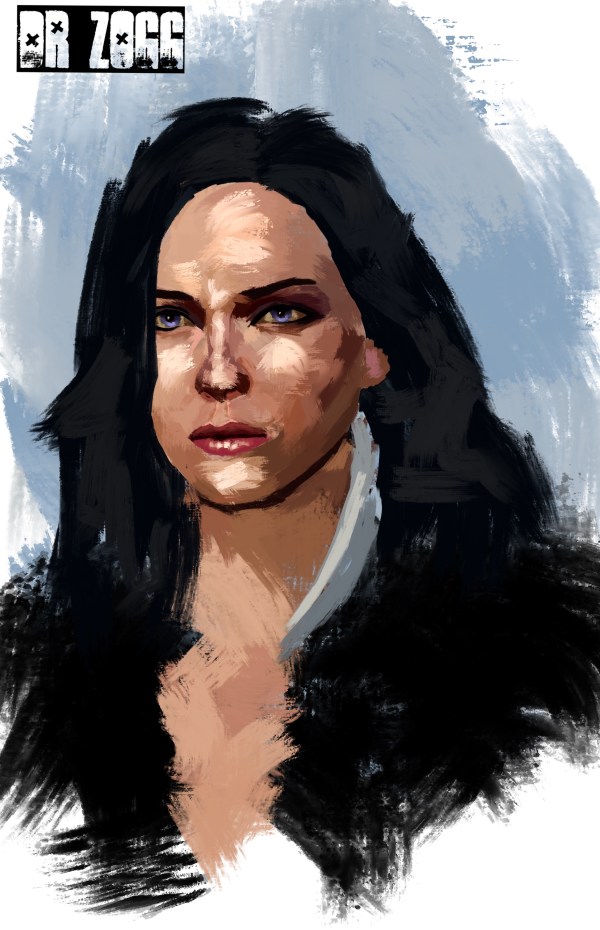
I’ll show some progression images of when I did the painting of Yennefer in case anyone’s interested in my process. Obviously when I did all of these I was looking at off screen references which also helped me a lot with getting my colour palette right as well.
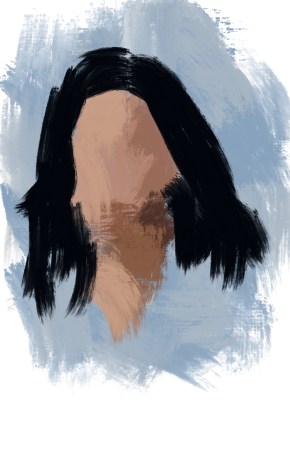
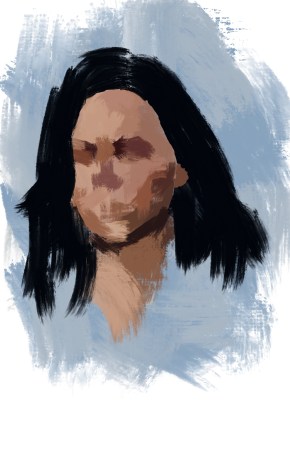
I start by laying down a few base colours but make a point never to simply fill the entire space of the head up with a single colour because it can get you into the habit of painting in a very mechanical way and leave the painting looking very cartoon like. In this early stage I also make a point of using very big brushes as using small brushes too soon is often what makes a painting look amateurish. Now with a slightly smaller brush I’ll start painting in some of the features more just for reference at this point and start working out the points of light and dark.
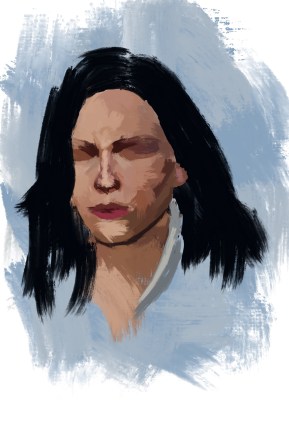
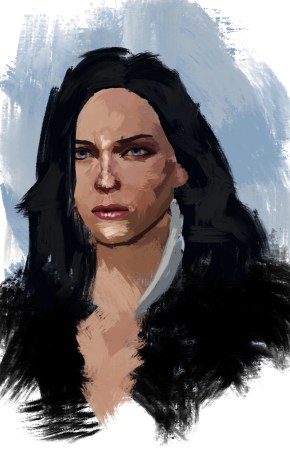
As I progress through the painting a gently start reducing my brush size further as I start putting more detail in. Using this technique I actually paint the whole thing with my brush at full 100% opacity which also helps in getting your colours and values right as anything too light, dark, saturated or not matching the palette should stand out straight away. I often like to start defining the nose first, then the area around the eyes and cheeks then the mouth. I always leave the detail of the eyes to the very last as that’s a main focal point in the painting and doing it too early can side track you from other areas where greater detail might be needed first.
I’ll admit, looking at it now, Yenn’s hair line around her face looks a little shitty because I used a small hard eraser to shape it in the beginning and it’s left it with some very definite and straight lines which I feel aren’t in keeping with the general style of the painting. If I went back to it now I’d just go along the edges with a black brush and add a little texture to the edges, but it’s done now.
I hope this might help some of you or at least shed a little light on the workflow of this style of painting although there really isn’t a “right” way to do it. If you’re not an artist and are just here for the beer, then I hope you like the paintings.
 drzogg.net